
How to Check In
Detailed guide on starting your shift, location permission checks, and work mode selection.
Read time: 3 min read•Updated: 2026-09-02
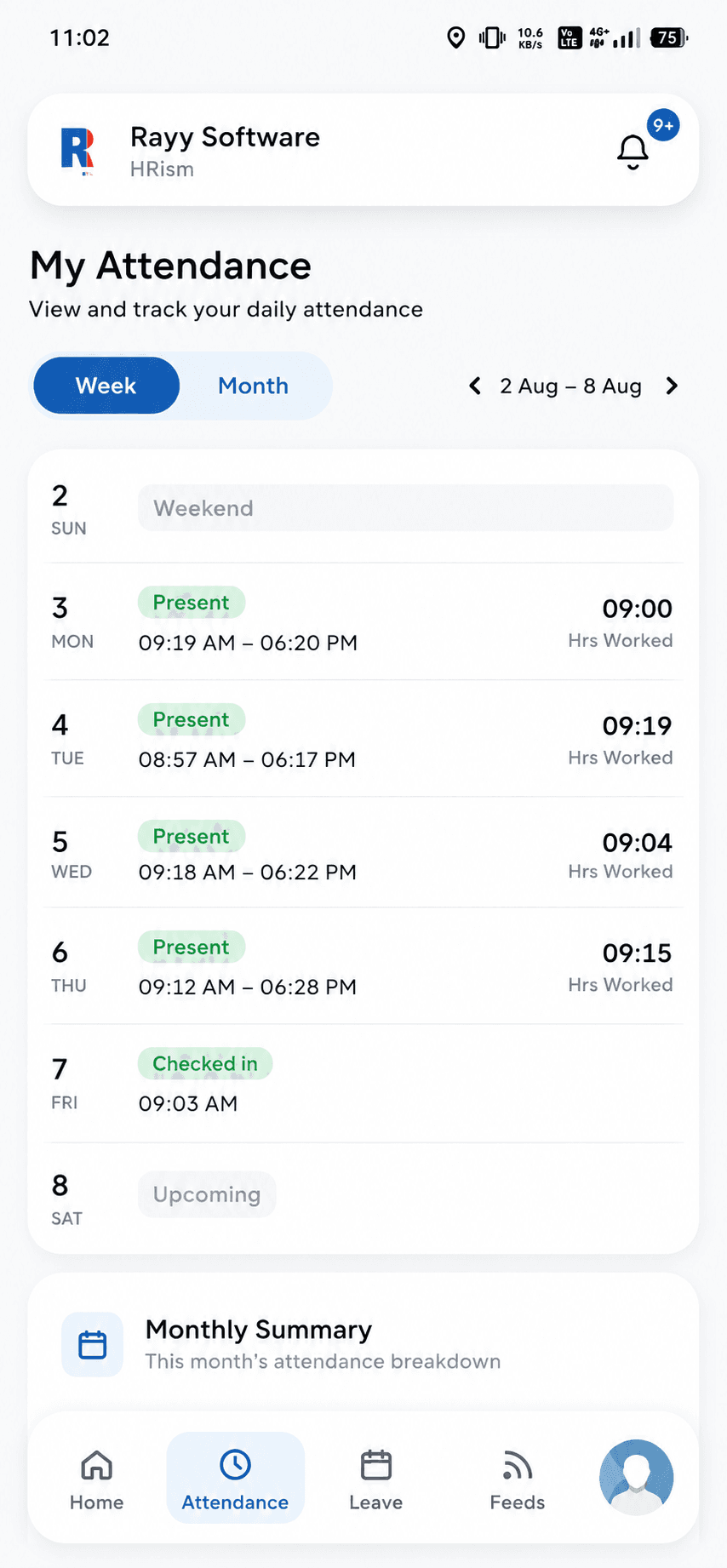
Overview
Checking in at the start of your shift logs your attendance status in the system roster. It informs your team that you are active and starts your official work time recording.
Step-by-Step Instructions
Step 1
Step 1
Navigate to Attendance
Go to the Smart Attendance section from the main navigation menu or dashboard card.
Step 2
Step 2
Verify Work Mode
Toggle between WFO (Work From Office) or WFH (Work From Home) based on your assignment.
Step 3
Step 3
Allow Location Access
When prompted by your browser or phone, select Allow to let HRism confirm location compliance.
Step 4
Step 4
Click Check In
A green active timer indicator will confirm successful check-in.
Frequently Asked Questions
Desktop check-in uses browser IP/location verification. GPS tracking is used primarily on mobile field devices.