
Route History Playback
Review historical travel paths, daily route playbacks, and distance audits.
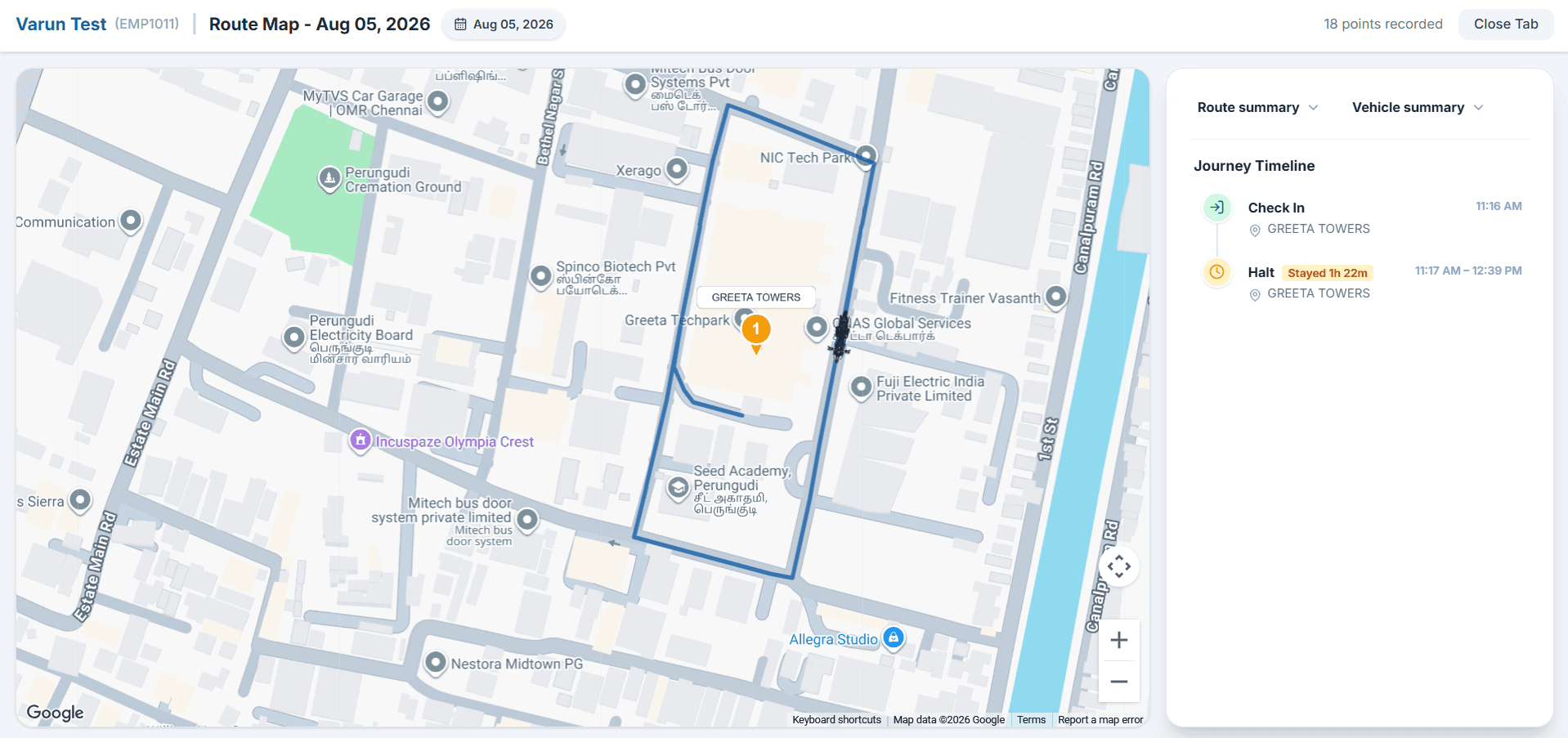
Overview
Route History allows administrators and operations leads to replay employee movement paths recorded during active work shifts. Audit daily travel routes, verify client visit stops, and analyze distance metrics.
How It Works
GPS telemetry points logged during an employee's check-in session are connected chronologically on the interactive map, enabling animated playback with timestamp inspection.
Select Employee Roster
SelectChoose team member from dropdown list.
Pick Target Date
DateSelect specific date using calendar picker.
Load Route Path
FetchSystem fetches verified GPS breadcrumb points.
Animated Playback
PlayReplay movement speed and visit stop pins.
Audit Summary
ReportReview total distance and active travel hours.
Step-by-Step Instructions
Open Route History Tool
Navigate to GPS & Location -> Route History in the admin console menu.
Filter by Team or Employee
Select the specific field employee whose route path you wish to audit.
Select Specific Date
Use the date picker to choose any past working day within data retention limits.
Click Playback Route
Use the player controls to play, pause, or adjust speed for the animated route trail.
Export Summary Report
Inspect total travel distance, stopover durations, and export daily route summaries.
Important Information
Off-Shift Privacy
Route history stores GPS breadcrumbs captured exclusively during active check-in shift hours.
Data Retention
Historical route playback data is retained in accordance with your organization's compliance policy.