
Team Feed & Approvals Overview
Central hub for company announcements, approval inboxes, team feeds, and notifications.
Overview
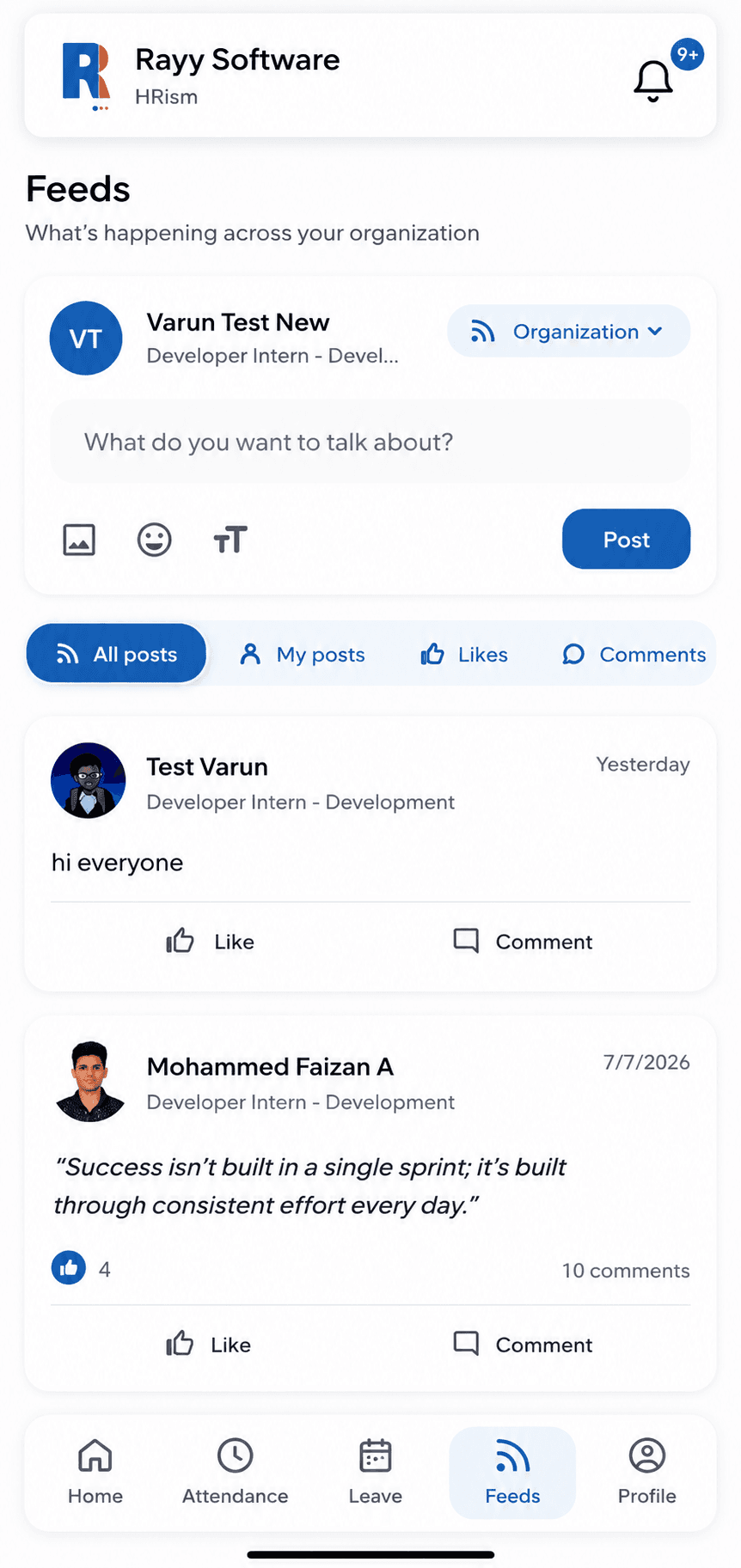
Team Feed & Approvals serves as the communication heartbeat of your organization. It combines company-wide announcements, milestone highlights, and a centralized approval inbox for managers.
Watch & Learn
Team Feed & Approvals Video Tutorial
Watch how to post team announcements, manage approval inboxes, and process requests in HRism.
How It Works
Important administrative announcements publish directly to employee feeds, while actionable leave, expense, and regularization requests gather in manager approval inboxes.
Publish Notice
PublishAdmin creates company announcement.
Broadcast Feed
BroadcastFeed updates across department teams.
Receive Approval Task
InboxActionable item lands in manager inbox.
Review & Decide
DecideManager approves or rejects request.
Push Notification
NotifyInstant notification sent to employee.
Step-by-Step Instructions
Open Team Feed
Navigate to Team Feed & Approvals from the left sidebar menu.
Access Approval Inbox
Click the Approvals tab to view pending manager tasks.
Review Pending Requests
Inspect leave, expense, and time regularization applications.
Approve or Reject with Note
Click Approve or Reject and add optional comments.
Broadcast Announcement
Authorized admins click Create Post to share news with teams.
Important Information
Real-time Push
Managers receive push notifications on mobile when approval tasks require urgent attention.
Targeted Audience
Announcements can be targeted to specific departments or broadcast company-wide.