
Full Mobile Apps Guide
Complete HRism experience on mobile — attendance, leave, live GPS tracking, and notifications.
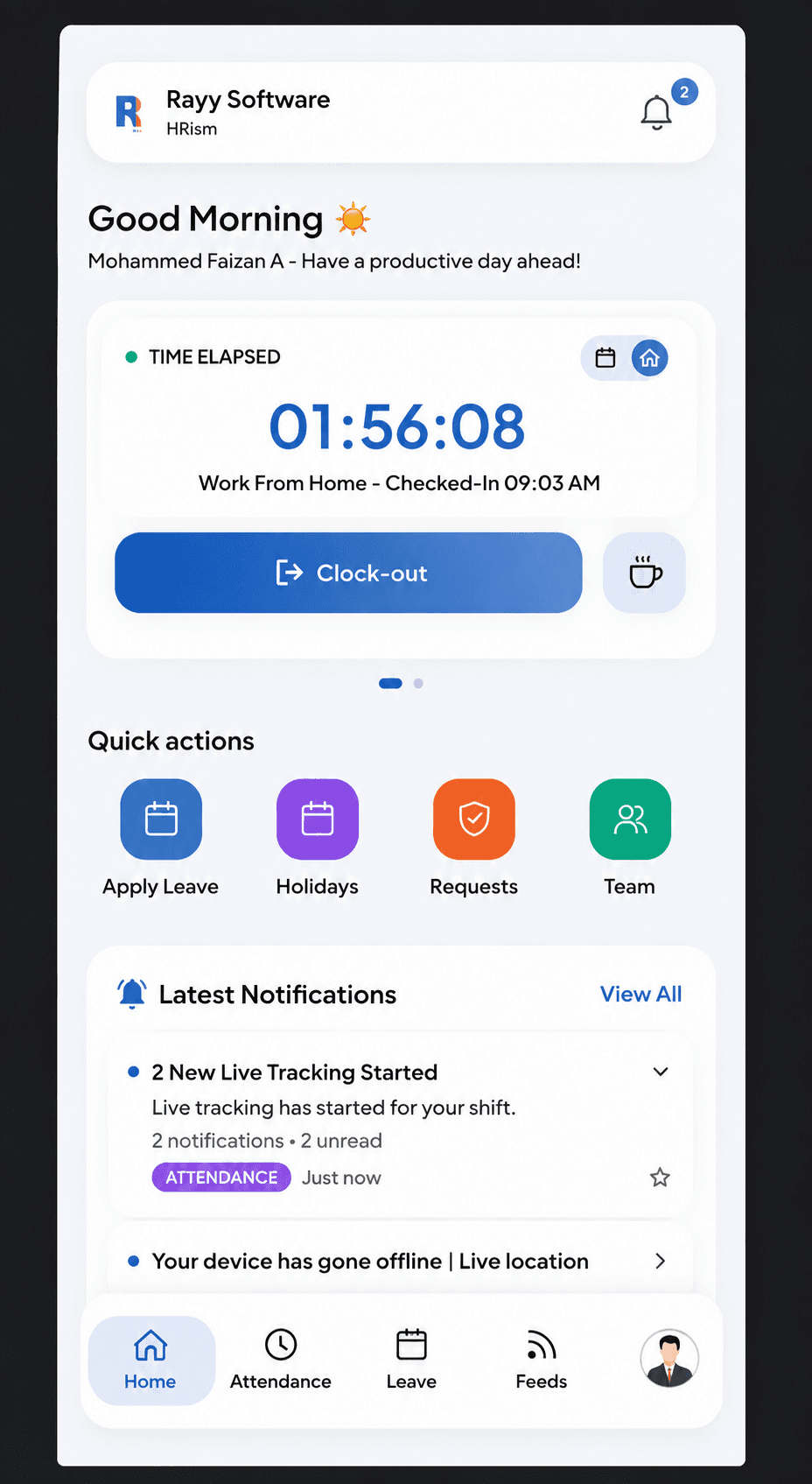
Overview
The HRism Mobile App brings the entire HRism suite to your smartphone. Log attendance with one touch, check leave balances on the go, view live team GPS maps, and receive instant push notifications.
YouTube Tutorial Video
YouTube Tutorial Video
Watch how to download, set up, and use the HRism mobile application on iOS and Android.
How It Works
Native iOS and Android applications connect securely to your HRism cloud workspace, providing full mobile self-service and background location telemetry.
Download App
InstallGet HRism on Apple App Store or Google Play.
Biometric Login
Sign InSign in with Face ID or fingerprint.
One-Tap Check In
Check InLog shift attendance with location fix.
Background Sync
SyncLocation telemetry syncs in background.
Instant Notifications
NotifyReceive real-time alerts for approvals.
Step-by-Step Instructions
Download HRism App
Search for HRism by Rayy Software on the iOS App Store or Google Play Store.
Log In with Work Email
Sign in using your authorized company credentials or single sign-on.
Allow Location Permissions
Grant 'Always' location permission to support seamless field check-ins.
Use One-Tap Check In
Tap the prominent Check In button on your phone home screen.
Receive Real-Time Alerts
Get instant push notifications when leave applications or expense claims update.
Important Information
Background Refresh
Ensure Background App Refresh is enabled under your phone device Settings -> HRism.
Battery Mode
Disable Low Power / Battery Saver mode on your phone for uninterrupted background GPS updates.