
Admin Console & Reports Overview
Org-wide attendance summaries, shift management, permission roles, and reporting exports.
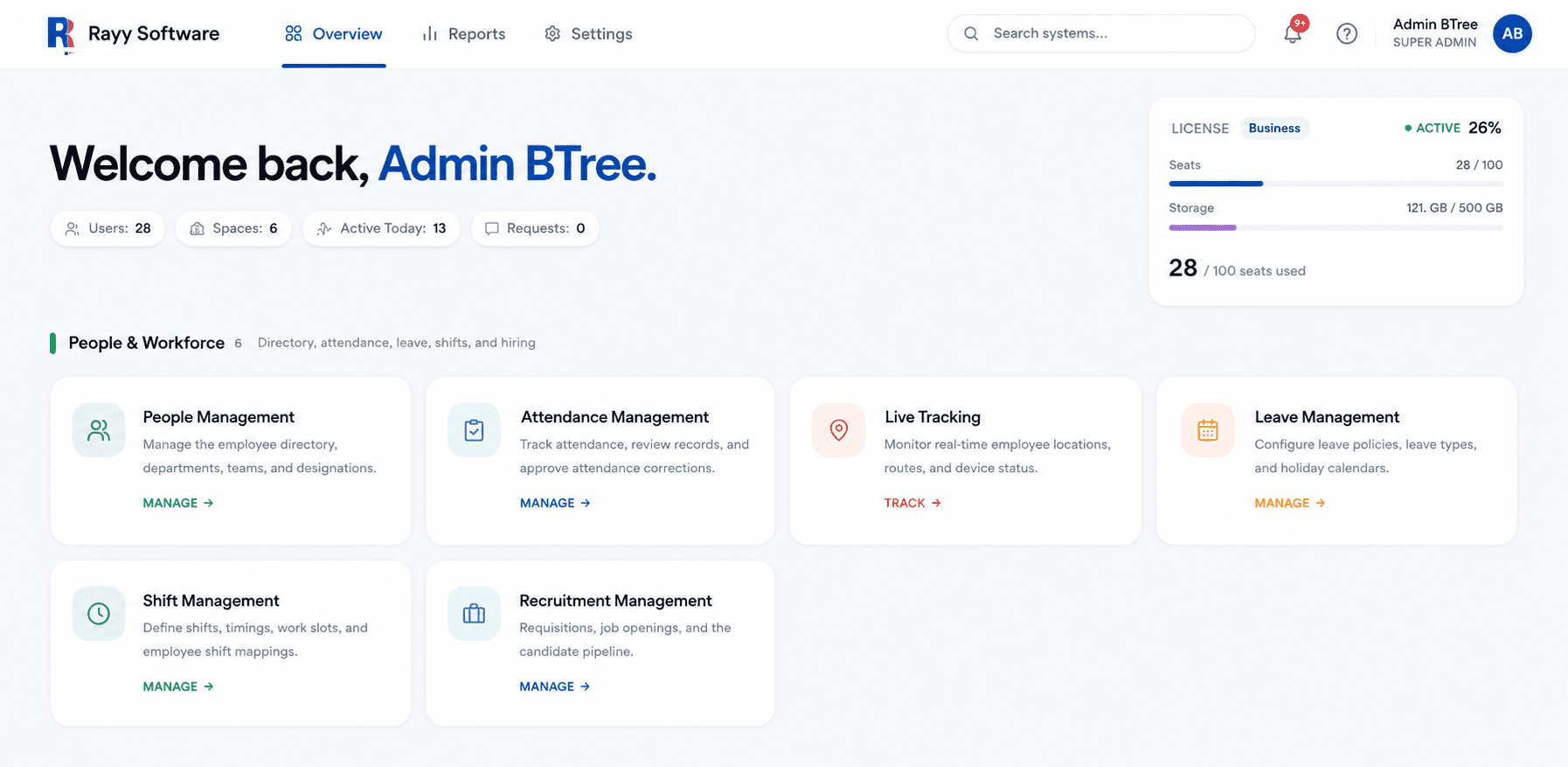
Overview
Admin Console & Reports gives organization leaders and HR administrators complete management control over company shift policies, geofence zones, employee permission roles, and analytical payroll reporting exports.
How It Works
Administrators configure organization structure, assign shift rosters, and monitor live attendance dashboards while exporting automated audit reports.
Access Admin Console
AccessSign into central administrative portal.
Configure Shift Policies
ConfigureSet work hours, grace periods, and break rules.
Assign Role Permissions
AssignDefine admin, manager, and employee access.
Monitor Org Analytics
MonitorTrack attendance percentages and absent counts.
Export Payroll Reports
ExportGenerate CSV summaries for payroll sync.
Step-by-Step Instructions
Log into Admin Workspace
Access Admin Console using your authorized administrator account.
Configure Department Schedules
Define shift start/end times, late grace periods, and overtime rates.
Set Role Permissions
Assign access levels for HR leads, branch managers, and employees.
Monitor Attendance Dashboards
Review live organizational headcount, present status, and absentee lists.
Generate Payroll CSV Exports
Export verified working hours, approved leaves, and overtime calculations.
Important Information
Role-Based Access Control
Admin privileges are strictly governed by Role-Based Access Control (RBAC) settings.
Scheduled Exports
Reports can be configured to auto-generate and email to finance teams on paydays.