
Understanding the HRism Dashboard
Guide to interactive widgets, active timers, team feeds, and quick navigation shortcuts.
Read time: 3 min read•Updated: 2026-09-01
https://app.hrism.com/getting-started/dashboard
Overview
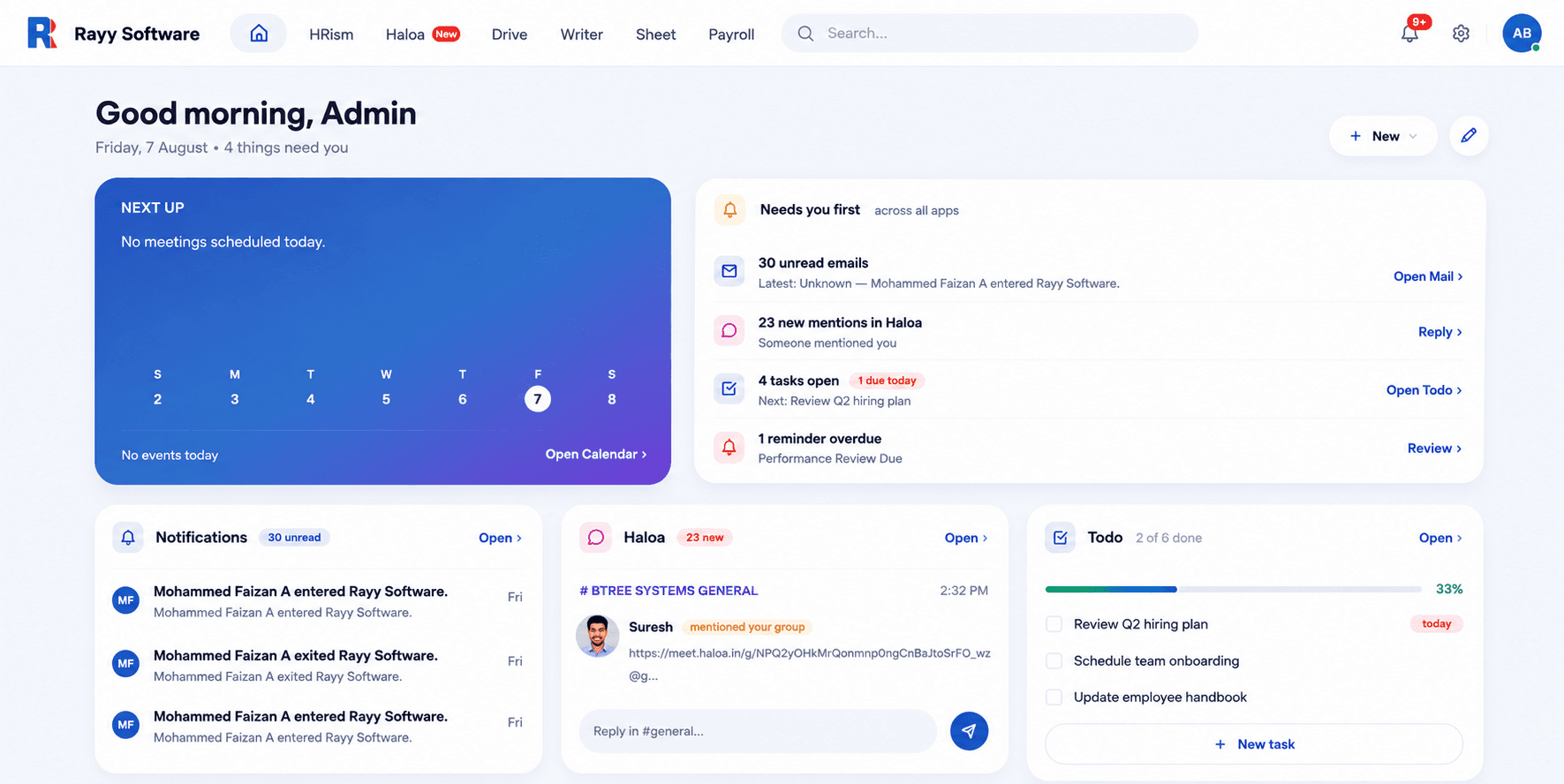
The HRism Dashboard serves as your central command center. It presents essential daily data: active check-in timer, remaining leave counts, team feeds, and quick navigation shortcuts.
Step-by-Step Instructions
Step 1
Step 1
Active Timer Widget
Displays current shift duration and status indicator.
Step 2
Step 2
Leave Summary Card
Shows paid leave, sick leave, and casual leave balances.
Step 3
Step 3
Team Activity Feed
Lists company notices and team milestone updates.
Important Information
Widget Refresh
Dashboard widgets update automatically in real time.
Frequently Asked Questions
Widget placement adapts dynamically based on your role.