
 Browser extension
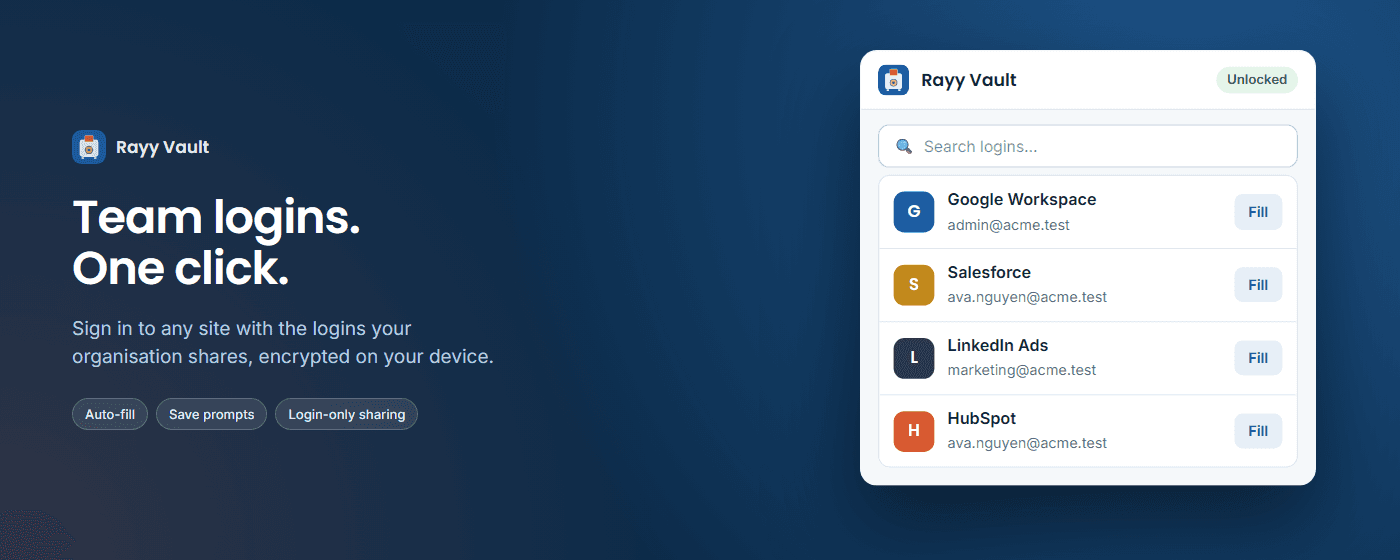
Team logins.
One click.
Sign in to any site with the logins your organisation shares, encrypted on your device.
Shortcut
Ctrl+Shift+L
Matching
Exact site only
Sharing
Login only
Clipboard
Cleared in 30s
Everything between you and the login form
One-click sign-in
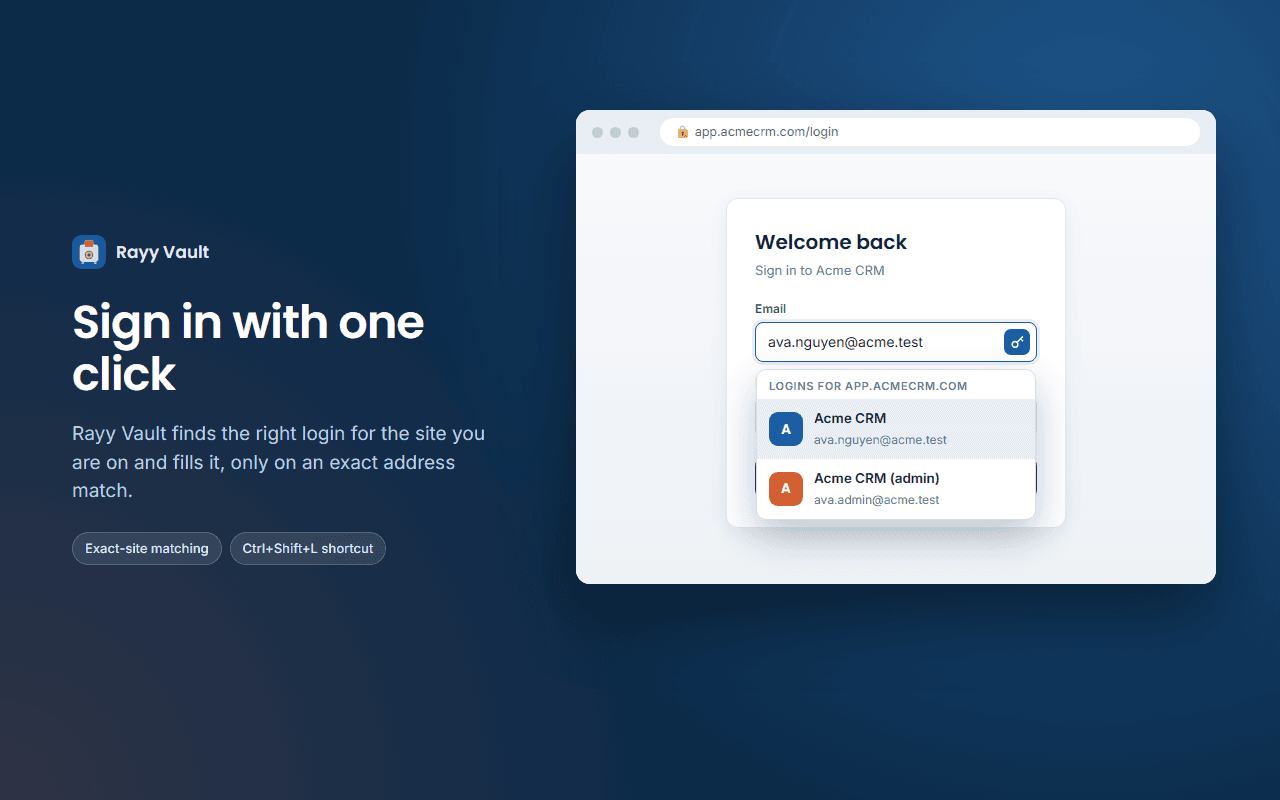
A small key button appears in username and password fields. Click it, pick a login, done. Prefer the keyboard? Press Ctrl+Shift+L to fill when one login matches. Logins are offered only where the site address matches exactly what was saved.
Product illustration
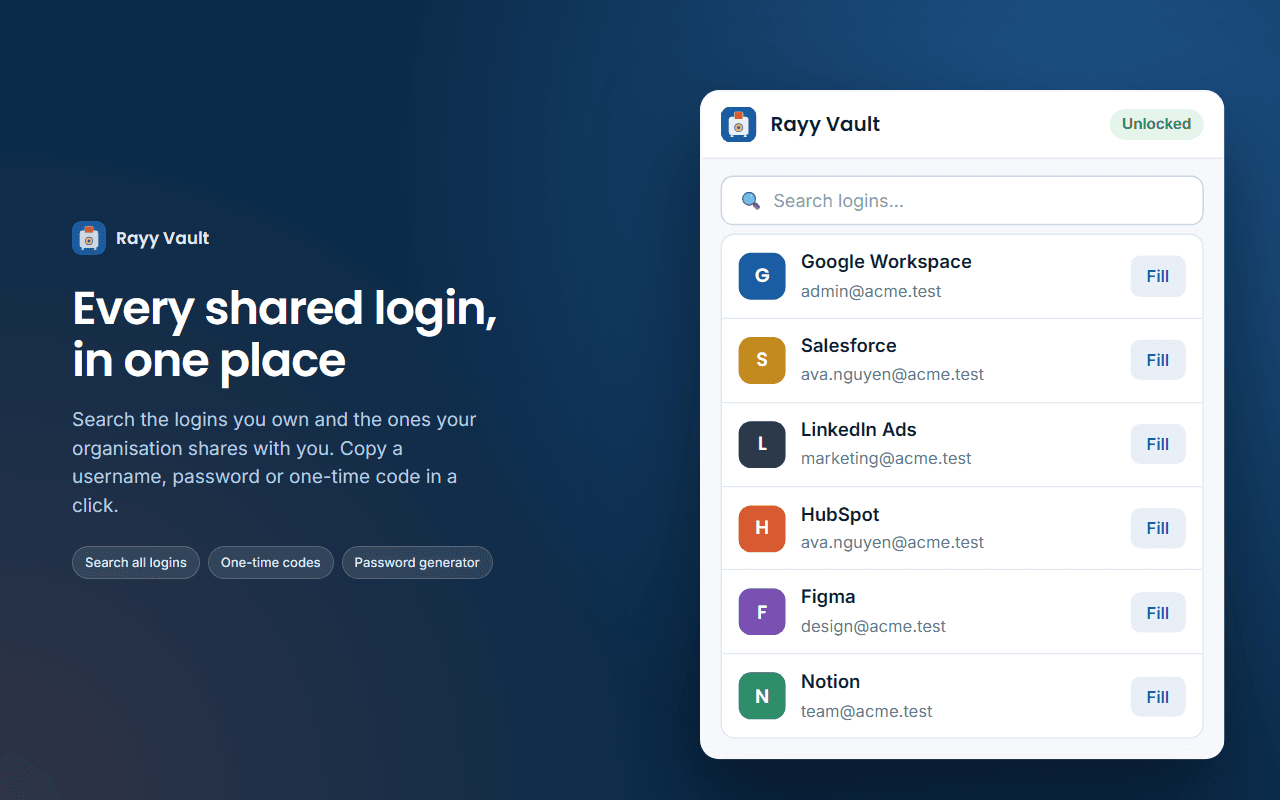
Every shared login in one place
Search all the logins you and your organisation share. Copy a username, password or one-time code, or generate a strong password when you add a new login.
Product illustration
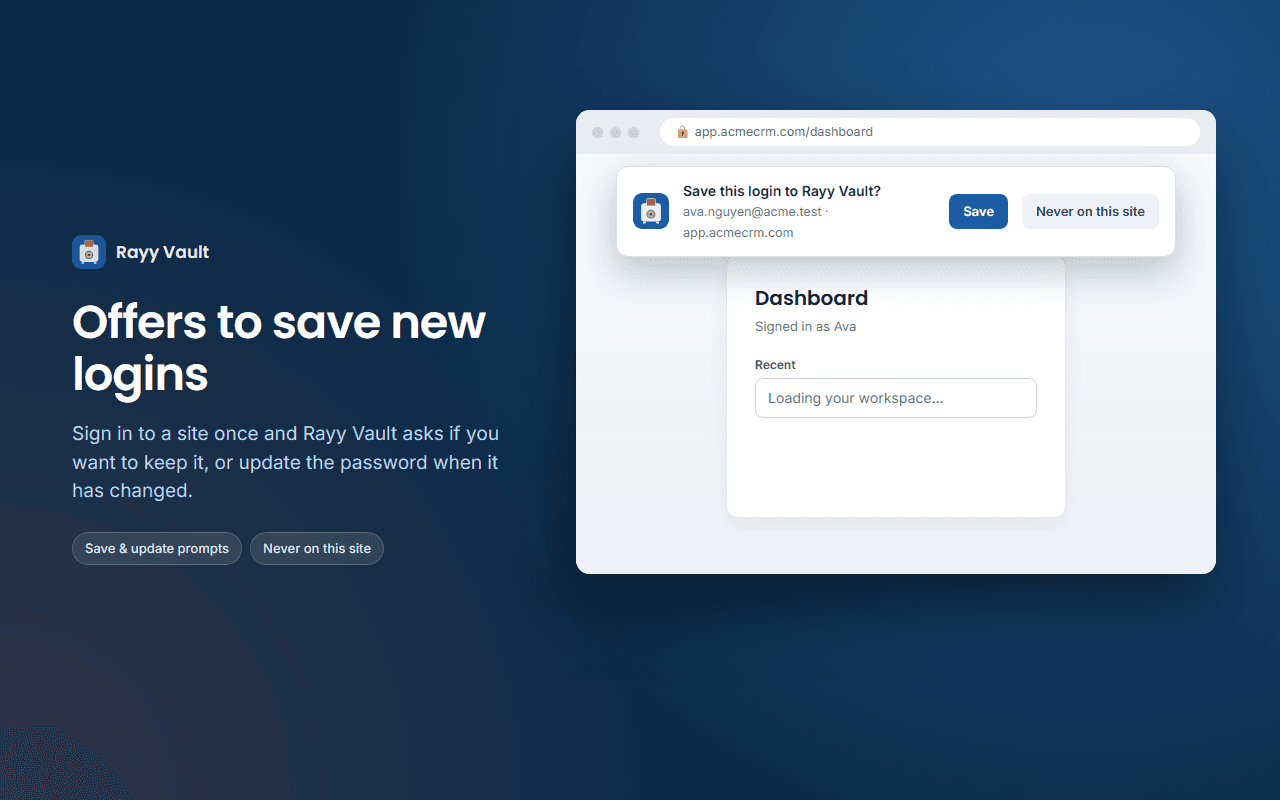
Save and update prompts
Sign in on a site and Rayy Vault offers to save the login, or to update the password when it has changed. Choose “Never on this site” and it is remembered.
Product illustration
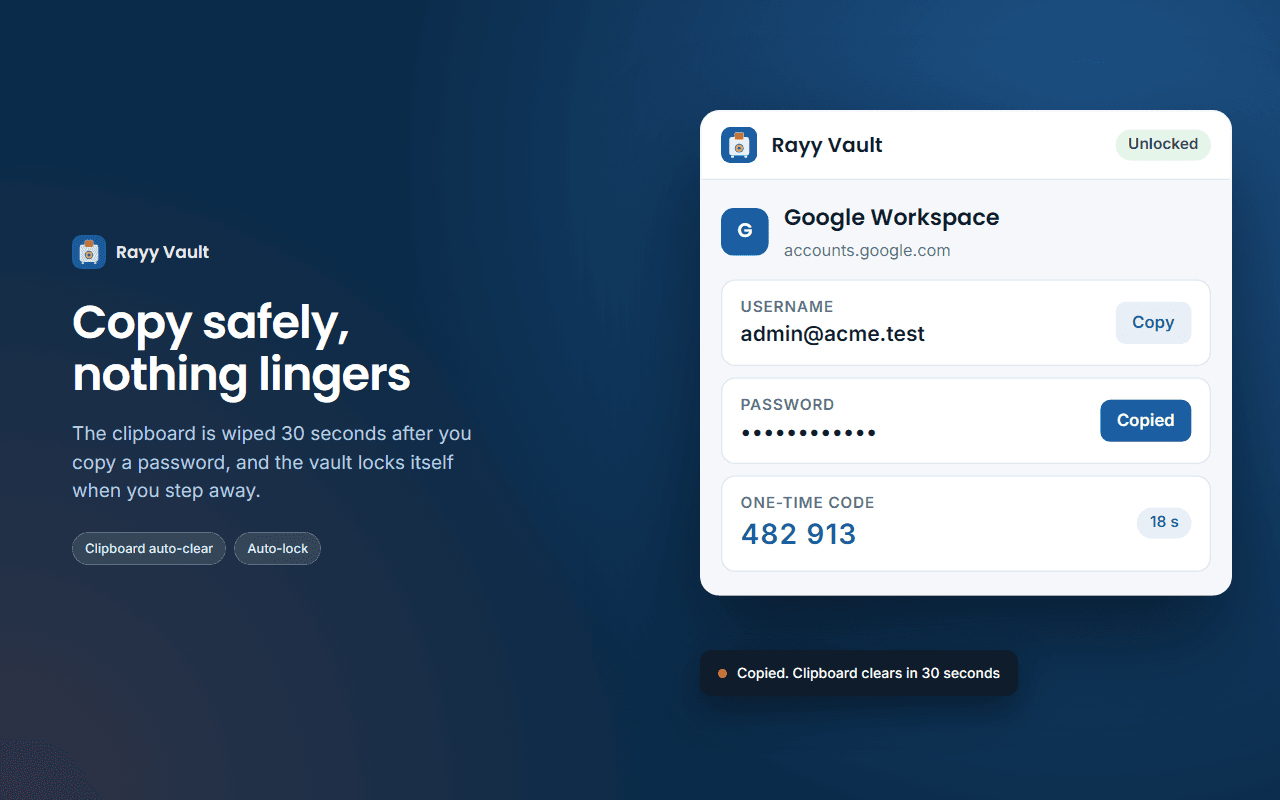
Copy safely
The clipboard is cleared 30 seconds after you copy from the extension. The vault locks itself after 15 minutes idle (you can change this in settings), and when the browser closes.
Product illustration
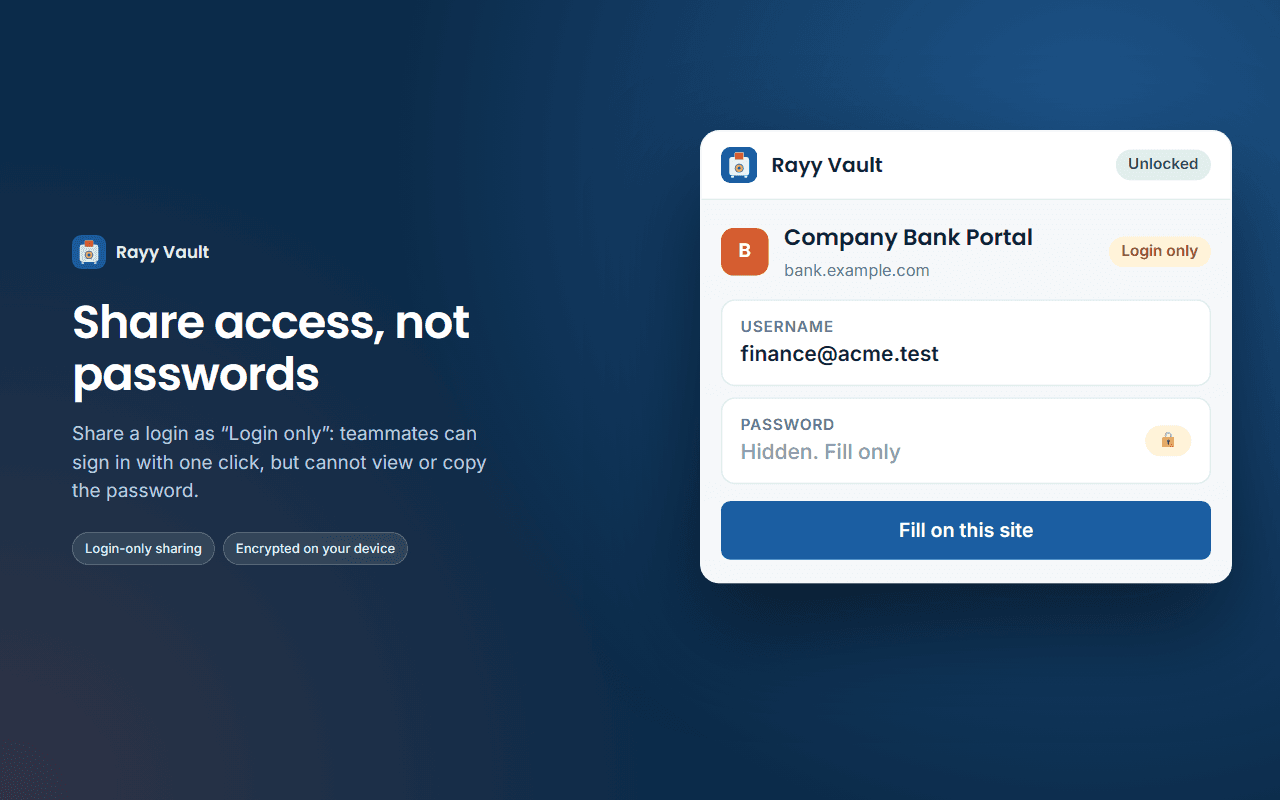
Share access, not passwords
Share a login as “Login only”: it fills on its site, but the password cannot be shown or copied in the extension or the website.
Product illustration
Product illustration
Built for safety
Encrypted on your device
Logins are encrypted before they are sent anywhere. Rayy cannot read your passwords.
Master password never stored
It exists only while you type it.
No http:// pages
Nothing is ever filled into an unsecured page.
Fill needs a real click
Only your click or the keyboard shortcut fills a login. Page scripts cannot trigger it.
Unlock key stays in memory
It is gone when the browser closes, and web pages cannot read it.
Closed shadow root
The extension's interface is sealed off from the page, and never runs on the Rayy Vault website itself.
Honest limits
- “Login only” is enforced by the apps, not by cryptography. It stops casual viewing and copying, but a modified client could read the password.
- Filling works on the top page only, not inside iframes.
- Sites that sign in without a form (script-only sign-ins) may not trigger the save prompt.
How it works
Install the extension
Add Rayy Vault to Chrome or Edge and pin the key icon.
Sign in and unlock
Sign in with your Rayy account, then enter your master password.
Click the key button
On any login page, click the key button and choose a login.
Requirements
A Rayy account with an active Rayy Vault subscription from your organisation.
Chrome 116 or later. Also works in Edge.
Questions, answered
Something missing? Contact our team.
Yes. Logins are encrypted on your device by the extension before they leave it.
Team logins. One click.
Add Rayy Vault to Chrome and sign in the way your team already shares.