
Login Issue
Can't access your account? Use this message.
Subject: Rayy LMS Login Issue

Rayy LMS · Support Center
Find answers, explore helpful guides, and make the most of your Rayy LMS learning experience.
The learner experience
Get to know the main areas of Rayy LMS. Each one links to a short visual guide.
Getting started
New to Rayy LMS? Work through these guides in order.
Choose a topic to see the related help articles.
15 articles
Access
Rayy LMS runs in your web browser — there is nothing to install. Sign in at the official web address with the account details provided by your institute.
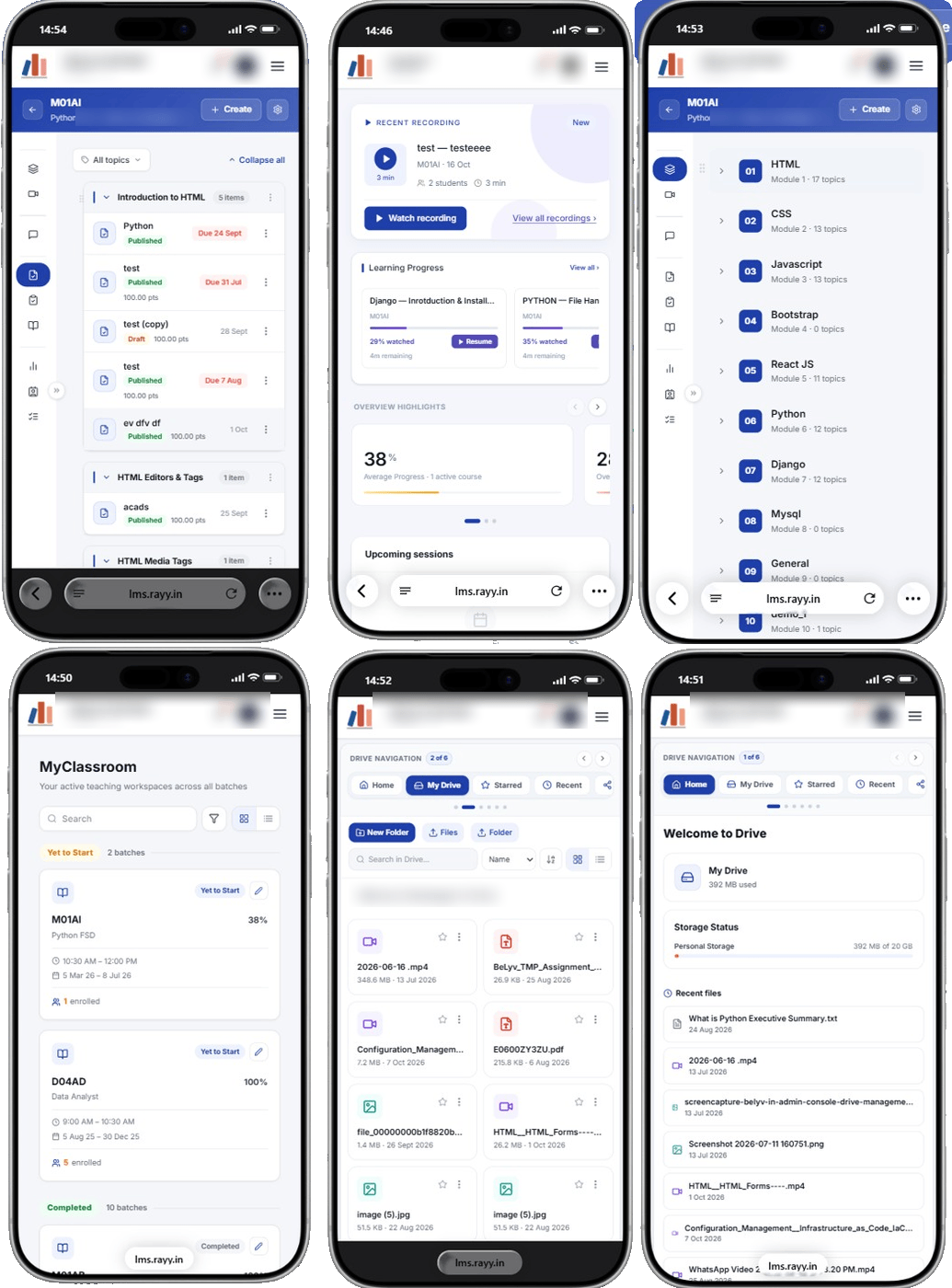
 Phone and tablet · trainer view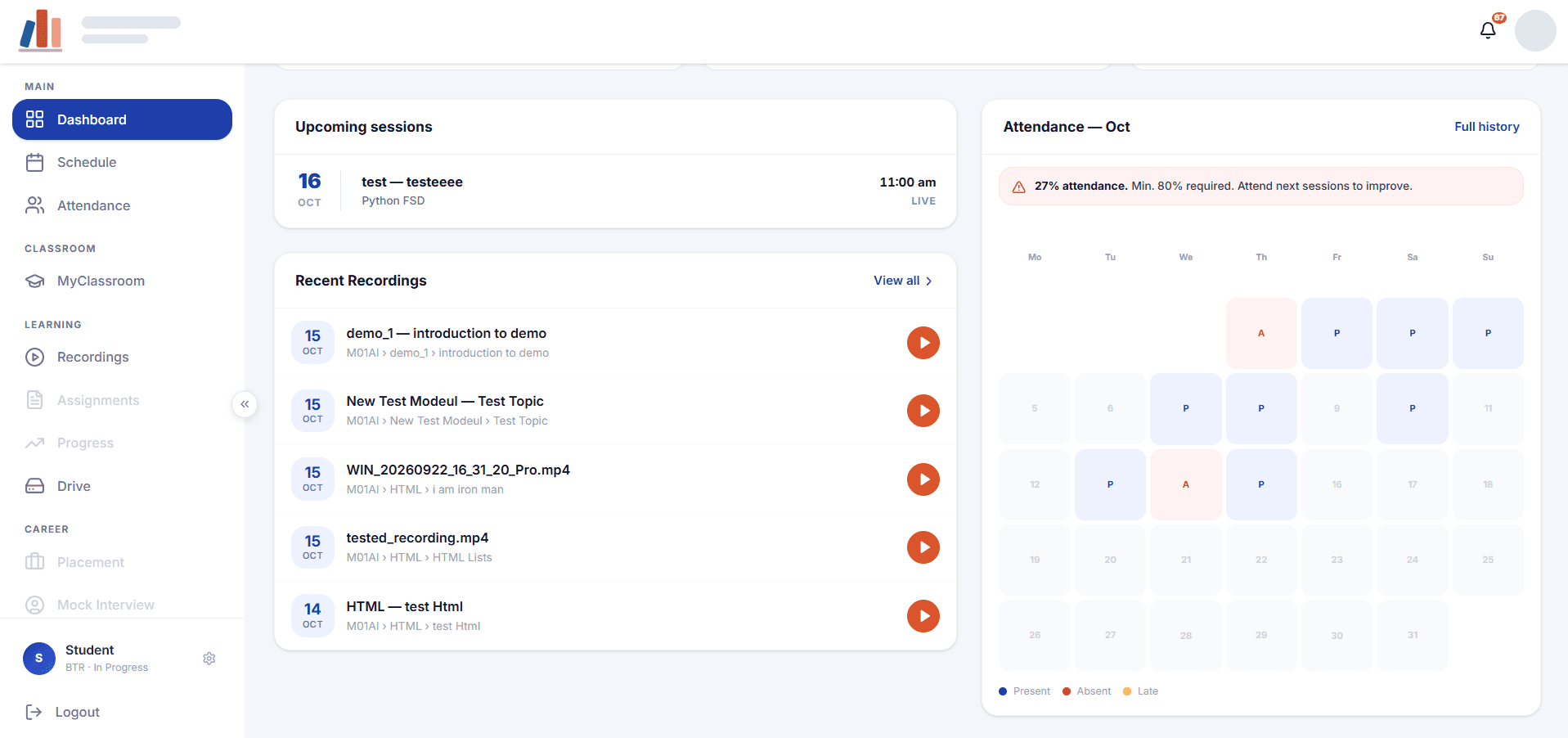
Quick answers to common learner questions. Answers marked as under review are being verified.
Rayy LMS is available on the web at https://lms.rayy.in/login. Sign in with the account details provided by your institute or organisation.
Select MyClassroom in the sidebar. Each batch card shows the course, your progress, class time and dates. Your dashboard's Learning Progress panel also lists the courses you are working through.
On your dashboard, find the Learning Progress panel and select Resume on the course card. Each card shows the percentage watched and the time remaining.
Select Attendance in the sidebar for your overall percentage, monthly calendar and summary. Your dashboard also shows the current month's attendance.
Select Recordings in the sidebar, then choose Recents or By Batch. Your dashboard also lists Recent Recordings.
Email support@rayysoftware.com, call +91 9361978764, or use the contact page on this website.
A verified answer is being prepared. Please contact support for help with this question.
A verified answer is being prepared. Please contact support for help with this question.
Not sure what to write? Choose a message template, customize it with your details, and send it to our support team.
support@rayysoftware.comCan't access your account? Use this message.
Subject: Rayy LMS Login Issue
Having trouble accessing a course? Use this message.
Subject: Rayy LMS Course Access Issue
Need help understanding a feature? Use this message.
Subject: Rayy LMS Feature Question
Found a problem? Tell us what happened.
Subject: Rayy LMS Bug Report
Share your experience or suggestions.
Subject: Rayy LMS Feedback
Need help with something else? Use this message.
Subject: Rayy LMS Support Request
Prefer to call? +91 9361978764, or use our contact page.
Send Email opens your own email app with the message filled in — nothing is sent until you send it. If your email app doesn’t open, write to support@rayysoftware.com.